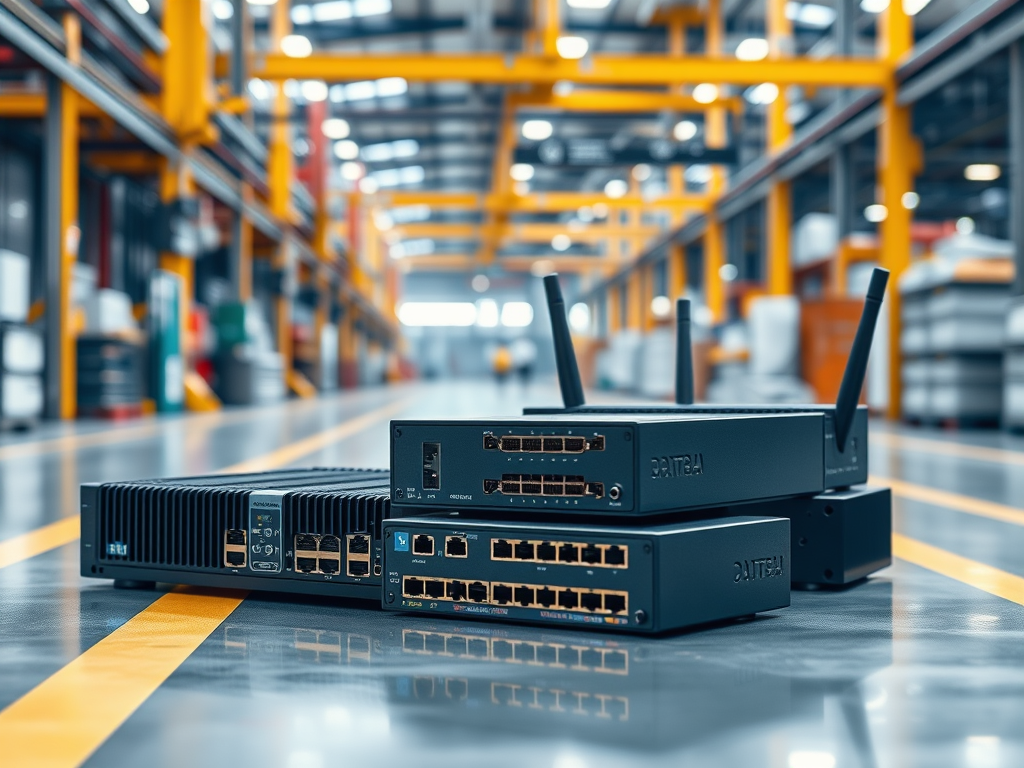
People ask me all the time: what’s the difference between an IIoT Gateway, an Edge Computer, and an Industrial Router? And honestly, I get why it’s confusing. Vendors love to mix these terms, and sometimes the same box gets called three different things depending on who’s selling it, or which buzzword is hot that month.
I’ve been deploying these things in plants for almost 20 years, and this question still comes up constantly. Not because people aren’t smart, but because the industry doesn’t do a great job of drawing clean lines.
So here’s how I explain it to plant engineers and IT teams. Not from a marketing brochure, but from what I’ve actually seen work (and fail) on factory floors.
Industrial Router: Your Network Traffic Cop
Let’s start simple. An industrial router moves data packets between networks. That’s it.
Think about a typical setup:
- You have your plant floor network (OT) with PLCs, SCADA systems, drives, sensors, and HMIs
- You have your corporate network (IT) with servers, databases, email, and business apps
- And you have the cloud, where platforms, analytics, and enterprise data lives
The industrial router sits in the middle and manages traffic between those networks.
It does not care what’s inside the data. It doesn’t know if you’re sending temperature readings, alarm states, batch IDs, or production counts. It just routes traffic from Point A to Point B, usually with firewall rules, VLANs, and access controls to keep it secure.
And unlike a consumer router, an industrial router is hardened for the real world.
I’ve seen them mounted next to furnaces, in paper mills with 100% humidity, and in mining sites where everything gets coated in red dust. They keep working. Most home networking gear would die in a week in those conditions.
Most industrial routers also include:
- Firewall features
- VPN support for secure remote access
- Cellular connectivity (4G/5G) for remote or temporary sites
- Network segmentation capabilities, especially important in regulated environments
They are essential for cybersecurity and stable connectivity. But they are not processing or transforming your industrial data. They are network infrastructure.
IIoT Gateway: Your Protocol Translator
Now we move into the world where the real work begins.
An IIoT gateway sits between industrial equipment and modern IT systems or cloud platforms. Its main job is protocol translation.
This is the device that makes old machines and new platforms “understand each other”.
And in real plants, you almost always have messy reality like this:
- 30-year-old equipment speaking Modbus RTU over serial cables
- Newer machines using OPC UA
- Some systems running Modbus TCP or EtherNet/IP
- Random proprietary protocols that only three people on Earth still understand
- Legacy SCADA or DCS systems that were never designed for modern integration
That’s where gateways shine.
The gateway collects data from those sources, normalizes it, and publishes it upstream in a format your cloud platform or historian can actually use. Usually MQTT, OPC UA, REST APIs, or something similar.
Most gateways also add practical “local intelligence”, like:
- Filtering noisy signals
- Aggregating values (like averages or counts)
- Applying simple rules or thresholds
- Buffering data when the network goes down (store-and-forward)
I’ve seen store-and-forward save projects during outages. The gateway keeps collecting data, and when connectivity comes back, it backfills everything. No missing history. No guessing what happened overnight.
Here’s my honest take. Gateways are the unsung heroes of IIoT. They do the dirty work of connecting brownfield equipment that was never designed to talk to the internet. Without gateways, most “Industry 4.0” plans in legacy plants just stay PowerPoint slides.
But gateways have limits.
They are not built to run heavy applications, complex analytics, or AI models. They’re collectors and translators, not compute engines.
Edge Computer: Your Local Brain
An edge computer is basically a full industrial computer. A real one.
You can run Windows, Linux, or sometimes a real-time OS. You can install software. You can run containers. You can run databases. You can do real processing on-site, close to the machines.
If a gateway is a translator, an edge computer is a translator with a PhD who can also analyze what’s being said and make decisions.
In the field, I’ve deployed edge computers running things like:
- SCADA systems
- Local historians and buffering layers
- MES apps or integration services
- Visualization tools and dashboards
- Python scripts, Node-RED flows, Docker containers
- Machine learning models for predictive maintenance
Edge computers become critical when you need low-latency decisions.
For example, I worked on a project where we needed to detect quality defects in under 200 milliseconds and adjust machine parameters automatically. You can’t send that data to the cloud and back fast enough. You need the compute power right there.
Edge computers also matter when:
- Cloud connectivity is unreliable
- Data sovereignty rules apply
- Compliance requirements force local execution
- You need a local UI or HMI even if the WAN fails
In some sites, raw production data can’t leave the plant boundary, either due to compliance or competitive reasons. In that case, edge computers process everything locally and only send aggregated KPIs upstream.
But there’s a downside.
Edge computers cost more. They need more power and cooling. They require more IT and OT coordination. And they expand your cybersecurity attack surface because you’re essentially managing a small data center on the plant floor.
That means patching, backups, antivirus, monitoring, and lifecycle management. All the fun stuff.
So What’s the Real Difference?
Here’s the simplest way I describe it:
- Industrial Router = moves data between networks
- IIoT Gateway = collects and translates protocols
- Edge Computer = runs applications and processes data locally
That’s the clean model.
But in practice, the categories are blurring.
Some modern gateways can run Docker containers now. Some edge computers come with gateway functions built in. Some routers include basic gateway features. And some vendors call the same product a “gateway” in one brochure and an “edge computer” in another.
So don’t get trapped by the labels.
Instead, focus on what you need to do:
- Do you need secure network connectivity and segmentation?
- Do you need protocol translation and brownfield integration?
- Do you need local compute and real-time processing?
What I Actually Use in Real Projects
Here’s the truth. Most real-world architectures use all three.
You use industrial routers for secure connectivity and network segmentation. You use gateways to connect machines and normalize the data. And you use edge computers when you need local apps, buffering, or real-time decision-making.
All three layers working together.
I’ve also seen setups where:
- Routers were used at every OT/IT boundary for segmentation and controlled access
- Gateways were installed close to skids and machines for clean signal capture
- Edge computers were deployed at the line or area level for local dashboards, buffering, and integration services
That pattern scales well. It’s repeatable. And it doesn’t fall apart the first time the network gets flaky.
Final Thoughts
If I had to give one piece of advice, it’s this. Don’t overbuy on day one.
I’ve seen sites deploy expensive edge servers just for basic tag collection, when a simple gateway would have done the job for a fraction of the cost. Start small, prove value, then scale up. You can always add compute power later.
Also, don’t get too hung up on the terminology. Vendors will change labels. Brochures will change titles. But the architecture needs stay pretty consistent.
Need to connect two networks securely? Use an industrial router.
Need to read Modbus from a PLC and send it as MQTT? Use an IIoT gateway.
Need to run a local dashboard, buffer data, and process in real time? Use an edge computer.
Most of the time, you’ll need more than one.
The important thing is having a clear architecture. Know where your data comes from, where it’s processed, and where it ends up. The specific box matters less than having a solid design.
Anyway, that’s how I think about it. Hope it helps.
Leave a Comment