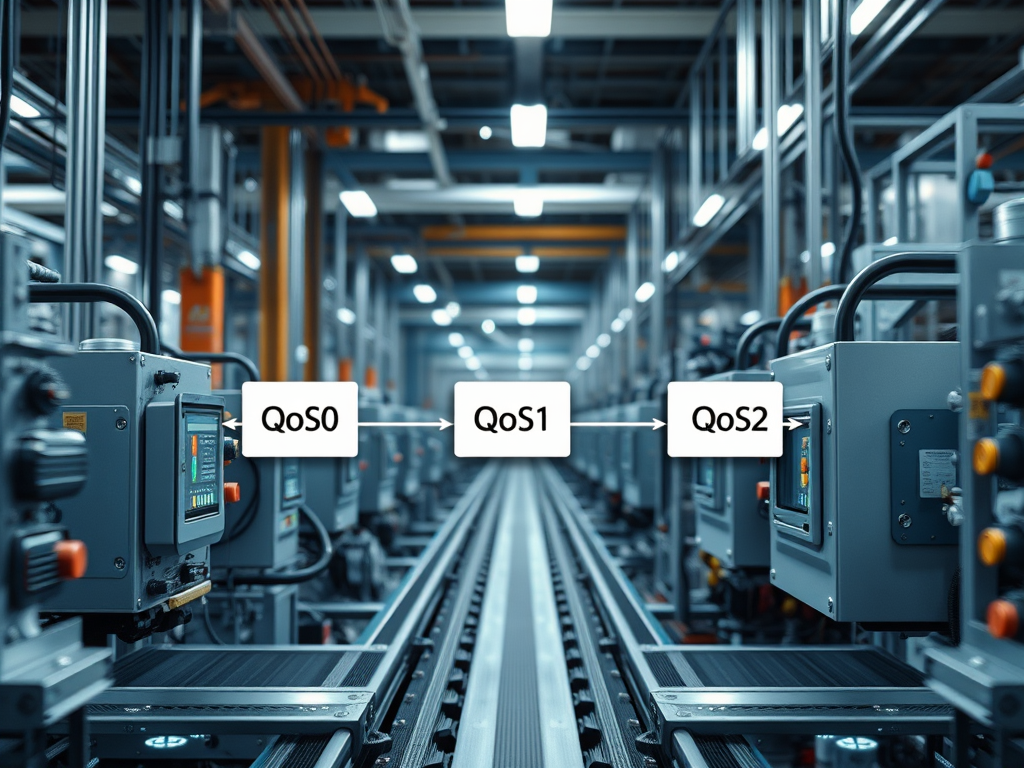
If you work in manufacturing or IIoT, you’ve probably heard the term “MQTT Quality of Service” (or just MQTT QoS) thrown around. It sounds technical, but it’s actually a pretty simple idea — it’s about how sure you want to be that a message gets from point A to point B. Over the years, I’ve seen how picking the right QoS level can make or break a project, especially when you’re dealing with thousands of machines, strict regulations, or unreliable networks. So, let’s break it down, with some personal comments from the field.
What Is MQTT Quality of Service, Really?
MQTT is a messaging protocol — think of it as the postal service for your factory’s data. Quality of Service (QoS) is how you choose between speed and reliability for each message. MQTT gives you three options:
- QoS 0: “At most once” — fire and forget. No one checks if the message arrives.
- QoS 1: “At least once” — the sender keeps trying until it gets an acknowledgment, but you might get duplicates.
- QoS 2: “Exactly once” — the gold standard, but it’s slower and more complex. The protocol makes sure the message arrives only one time, no more, no less.
The higher the QoS, the more reliable (and heavier) the delivery. But higher reliability also means more network chatter and more work for your devices.
How Each QoS Level Works (With Real-Life Examples)
QoS 0: At Most Once
This is the default — the system sends the message and moves on. There’s no handshake, no retry, nothing. I’ve used this for non-critical data, like real-time temperature readings or OEE dashboards, where losing the occasional data point isn’t the end of the world. It’s fast, uses less bandwidth, and puts the least load on your broker.
But here’s the catch: in regulated environments (like food or pharma), using QoS 0 for anything that becomes part of a compliance record is a big risk.
QoS 1: At Least Once
With QoS 1, the sender waits for an acknowledgment. If it doesn’t get one, it keeps resending. This means you’re guaranteed to get the message, but sometimes you get it twice. I’ve seen this in action with equipment state changes and alarms — things you absolutely can’t afford to miss, but where getting a duplicate isn’t a disaster (as long as your system can handle it).
One thing to watch out for: if you’re not careful, duplicate messages can mess up your downstream analytics or control systems. In one automotive plant, we had to add logic to our data lake to filter out duplicates, or else our OEE numbers would spike every time the network hiccupped.
QoS 2: Exactly Once
This is the most reliable — the protocol makes sure the message is delivered once and only once, using a four-step handshake. Sounds perfect, right? In practice, I’ve rarely used QoS 2 at scale in manufacturing. It’s slow and puts a lot of load on both the broker and the clients. For high-frequency telemetry (like 100,000 tags streaming every second), QoS 2 just isn’t practical.
But for things like recipe downloads, batch records, or commands that must never be repeated (think: “start batch” or “stop process”), QoS 2 can be worth the overhead. In regulated projects, we sometimes used QoS 2 for audit trail events, but only after carefully testing the system for performance bottlenecks.
What Happens When You Get It Wrong?
I’ve seen what happens when you pick the wrong QoS level. During one large-scale streaming test, we started with QoS 0 for performance. But as soon as the network hit saturation, data loss became a problem. Switching to QoS 1 helped, but then we had to manage duplicates — and that meant extra work at the database level. Some teams suggested filtering duplicates at the broker (using policy engines), but that turned out to be resource-heavy. The best compromise was to handle deduplication at the consumer or database side, where you have more control and can scale horizontally.
Another real challenge: using QoS 1 or 2 in OT (Operational Technology) environments can lead to “old” commands being replayed if devices reconnect after a network outage. You don’t want a robot arm restarting a process because it got an old message. That’s why we always build in sequence numbers and state checks, so devices can ignore out-of-date commands.
My Take
If you’re just getting started, it’s tempting to set everything to QoS 2 and call it a day. Don’t. The overhead will kill your performance, especially at scale. On the other hand, using QoS 0 everywhere is asking for trouble — especially if your plant runs 24/7 and you can’t afford to lose a single event.
My advice? Use QoS 0 for non-critical, high-frequency telemetry where speed matters more than reliability. Use QoS 1 for important state changes, alarms, and anything that triggers a workflow. Save QoS 2 for the rare cases where you absolutely cannot tolerate duplicates or lost messages, and you’ve tested your system to handle the extra load. And always — always — design your systems to handle duplicates, out-of-order messages, and the occasional network hiccup. That’s the reality of industrial IoT.
Leave a Comment